Steam 雲端存檔完全指南:查看、強制同步與徹底刪除教學
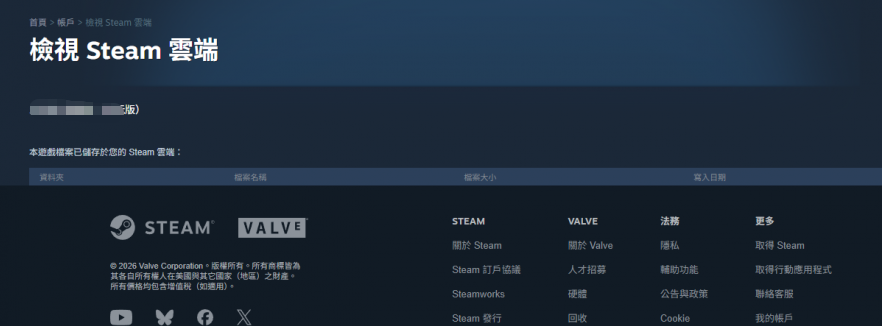
查看雲端存檔
輸入網址 https://store.steampowered.com/account/remotestorage
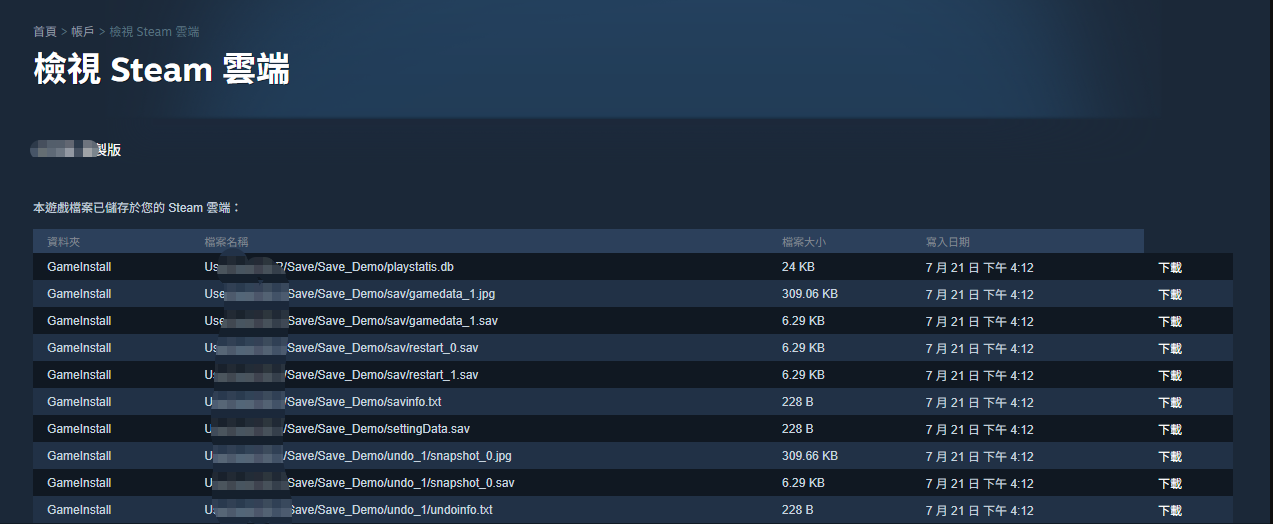
然後滾動到想查看的游戲,點擊顯示檔案

可以看到目前游戲下的所有雲端存檔
强制同步雲端存檔做法
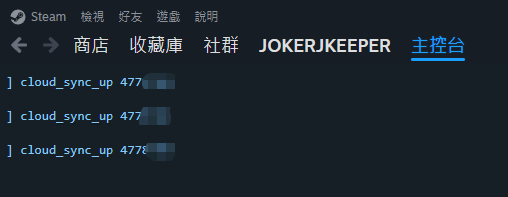
使用 WIN+R 輸入指令開啓 steam 主控臺
steam://open/console
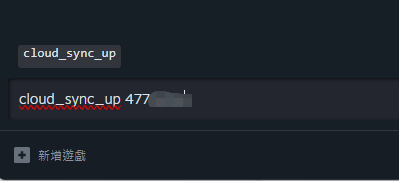
在主控臺輸入指令 cloud_sync_up 4778780
這代表强制同步雲端存檔
刪除所有雲端存檔方式
開啓 steam client 確認所有同步都跑完的情況下,進入主控台
這時候進入游戲安裝目錄還能看到 remotecache.vdf 是含有所有檔案的版本
C:\Program Files (x86)\Steam\userdata\31135361\4770000\remotecache.vdf
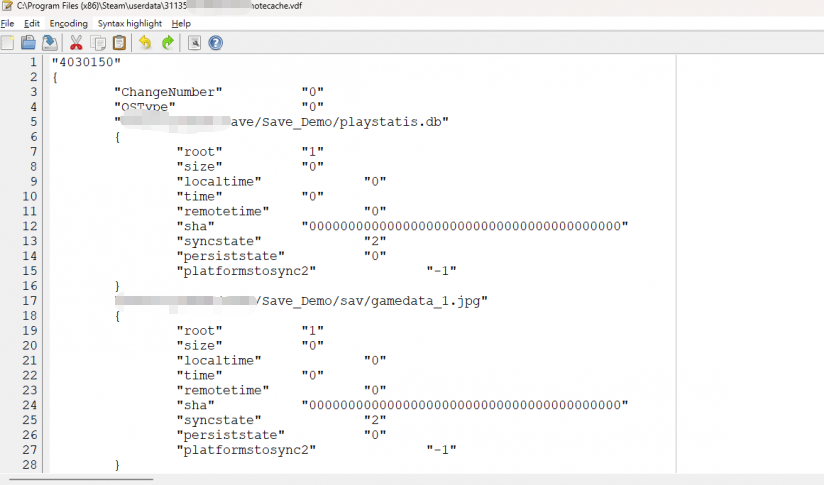
然後進入存檔路徑 C:\Users\joker0000\AppData\LocalLow\U**\
將遠端存檔目錄全刪掉
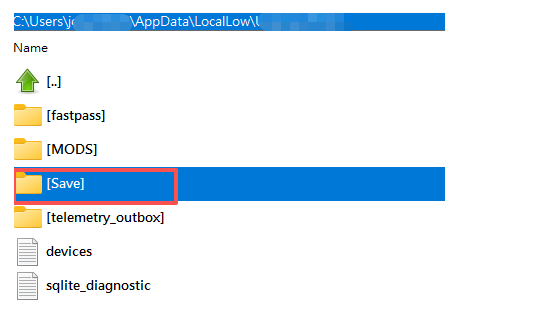
確保刪除后,回到主控臺輸入同步指令 cloud_sync_up 4778780
這時候再回到雲端就會發現檔案都刪除了
https://store.steampowered.com/account/remotestorageapp/?appid=4770000