用 OpenResearch 分析本地 Git 專案:自動拆議題、HF 算力設定與 orx 指令總覽
回到項目列表
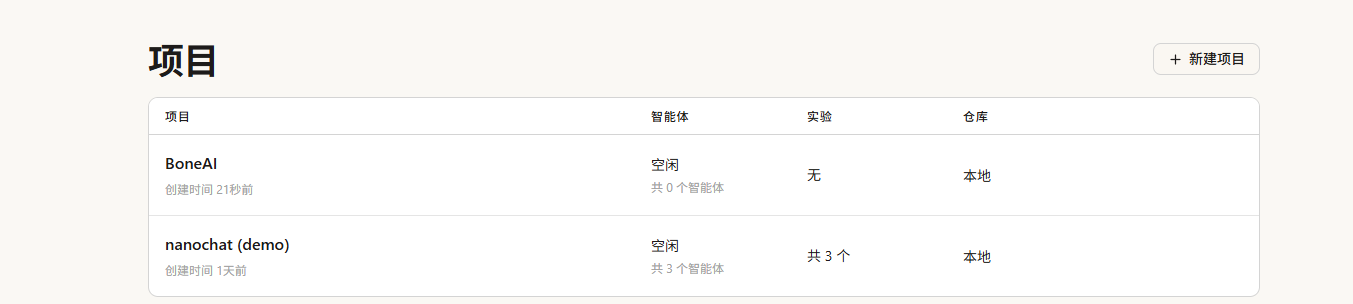
選取本地目錄

選取好本地 J:\git\BoneAI\
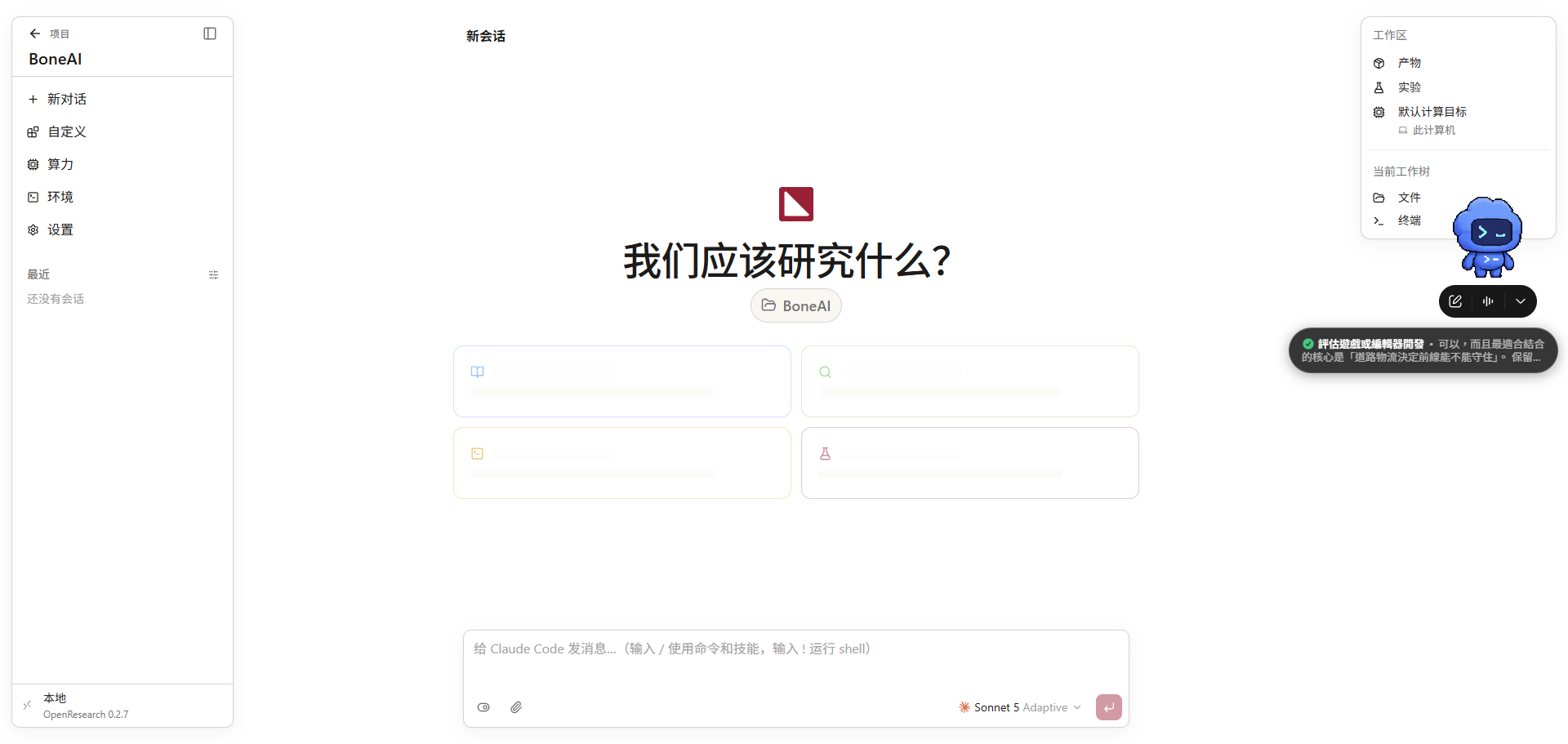
自動整理后列出了幾個議題,我們先來執行第一個看看

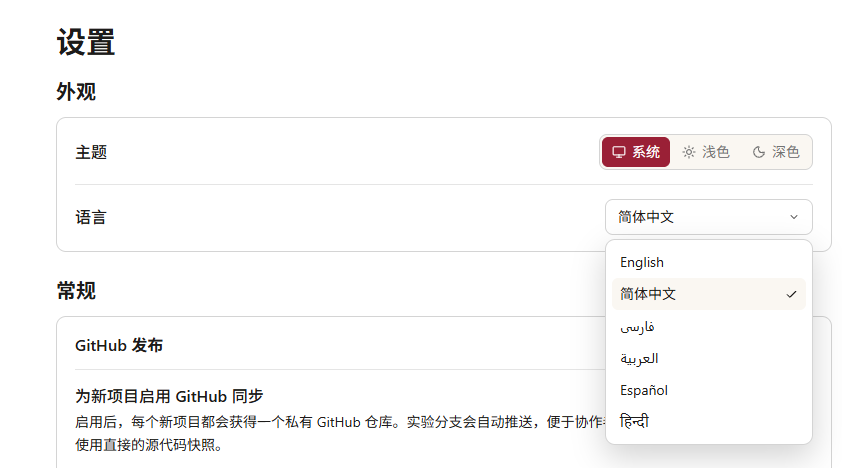
設定裏面沒有繁體中文,後續我們可以自己透過AI來做這塊功能
執行的任務
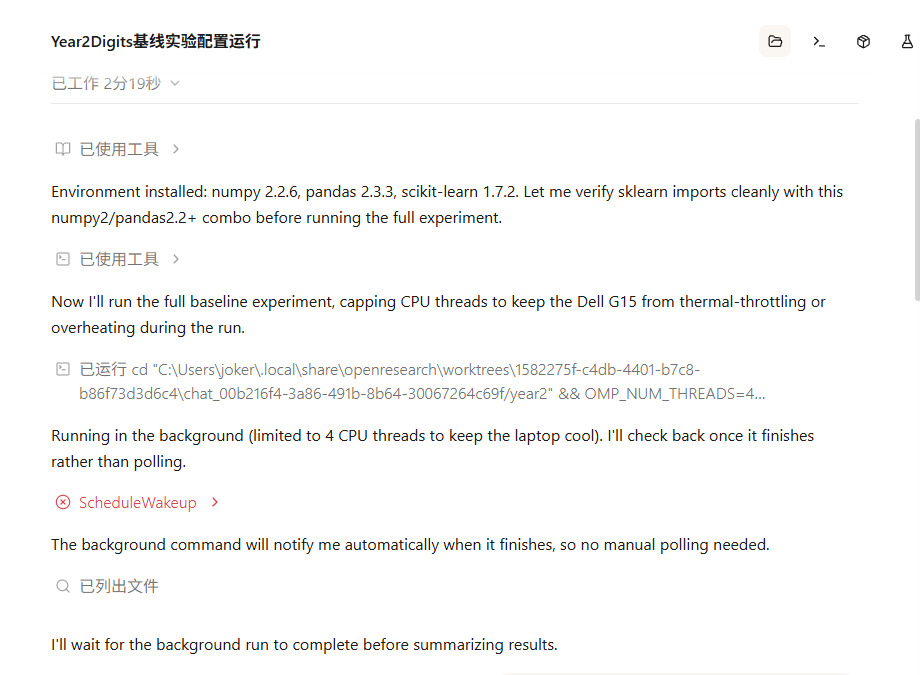
在右側可以看到輸出的檔案 log
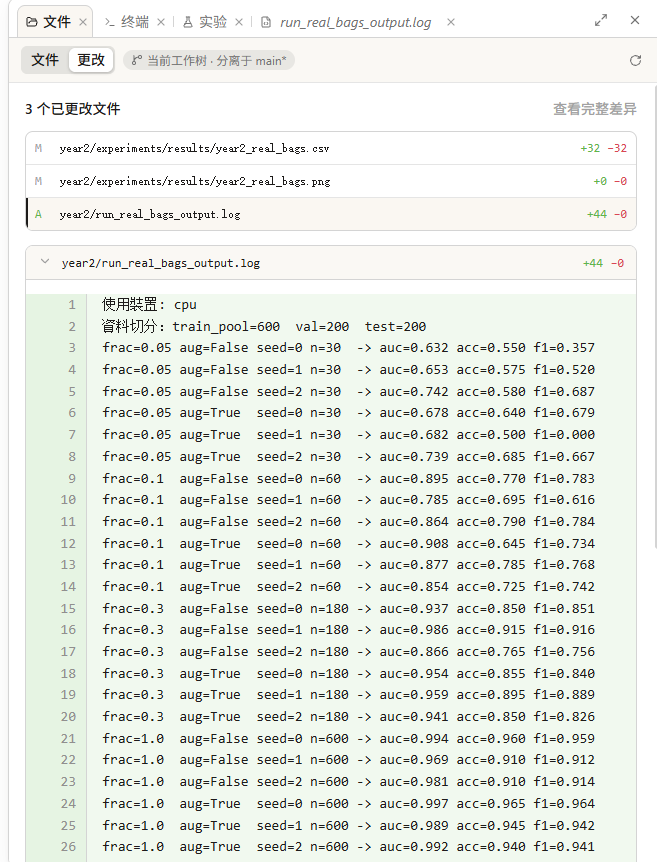
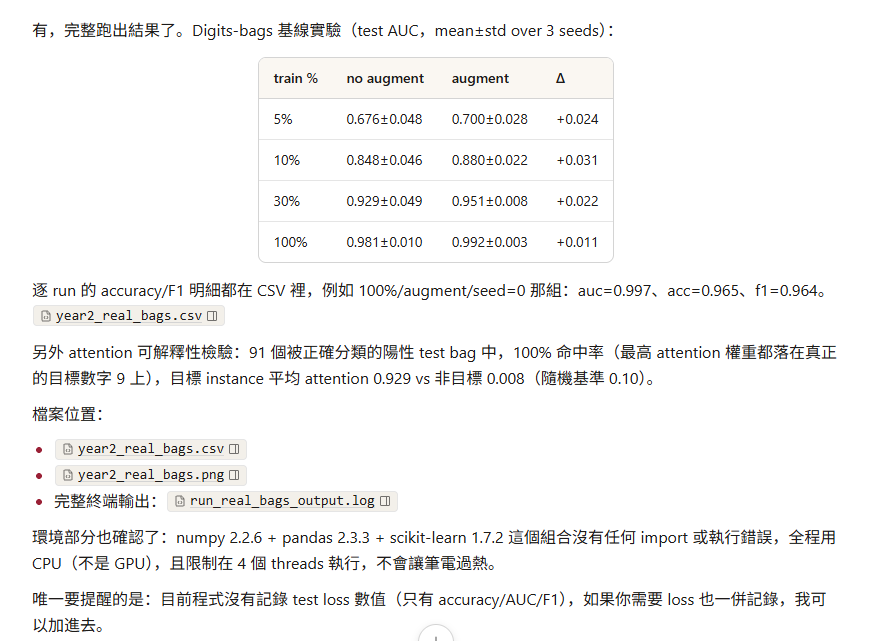
工作區的輸出結果
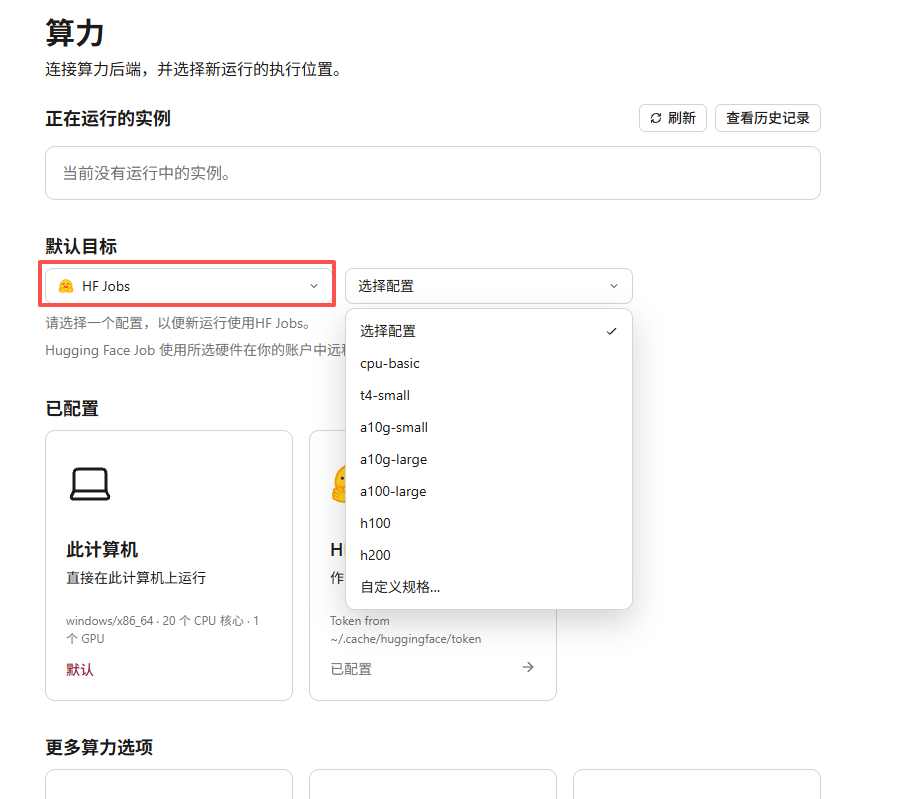
介紹完工作區來看算力設定,在算力這邊可以設定使用 HF 額度來做這件事
然後在 agent 這邊也能根據本地進行設定
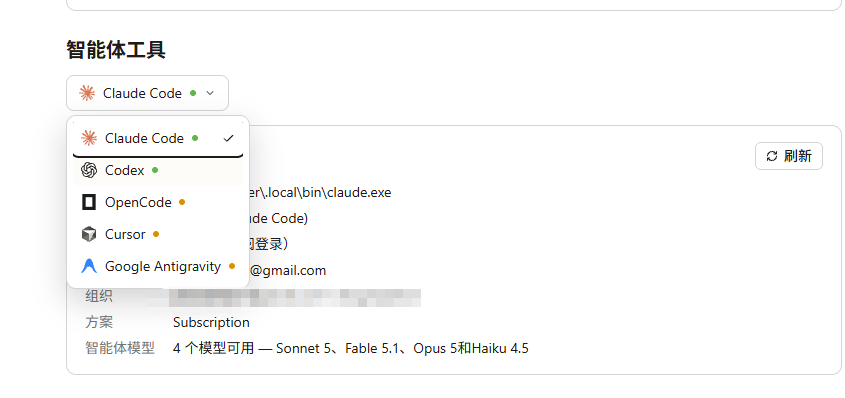
其他就不多作介紹了,這些都是目前 agent 系統常見的功能設計
下面來看到 orx 支持的功能
C:\Users\joker\Downloads\openresearch-cli-x86_64-pc-windows-msvc>orx --help
OpenResearch CLI

Usage: orx [OPTIONS] [COMMAND]

Commands:
  login              Log in via the browser and store a token
  logout             Remove the stored token
  projects           List projects registered in the local orx store
  orgs               List organizations available for OpenResearch compute
  project            Operate on one local project
  agent              Delegate a task to a second agent session
  runs               List a project's runs
  logs               Read a run's terminal log (tail by default)
  create-experiment  Add an experiment node to a local `orx up` project
  compute            List the GPU compute catalog
  instance           Spin up standalone compute in an organization (no experiment)
  ssh-key            Register this computer's SSH key so the boxes you provision accept it
  exp                Operate on one local experiment node
  skill              Print CLI usage for agents, or fetch a skill doc
  skills             Add reusable skills to the local OpenResearch library
  templates          Add reusable LaTeX templates to the local OpenResearch library
  install-skills     Install the OpenResearch skill into local coding agents (Claude Code, Codex, OpenCode, Cursor, Antigravity)
  discover           Call one paper-retrieval primitive; the caller owns the search loop
  paper              Fetch a paper: alphaXiv report/full-text, or OpenAlex/bioRxiv metadata. The source is auto-detected from the id (override with `--source`)
  version            Show the CLI version; `--check` compares it to the latest release
  update             Update orx to the latest release (installer-script installs only)
  install-cli        Link the macOS app's `orx` onto your PATH (macOS app installs only)
  delete             Permanently delete the local database, CLI executable, or both
  serve              Loopback HTTP/SSE daemon over the local run store (jobs sibling of `opencode serve`); the api tunnels to it on agent boxes
  supervise          Supervise one local run: tail backend logs, persist status, and honor local cancel intent. Spawned detached by `exp run`
  up                 Start the local autoresearch dashboard on 127.0.0.1: embedded UI, JSON/SSE API over the local store, and the opencode agent proxy
  telemetry          Turn anonymous usage analytics on or off, or show current status

Options:
      --no-telemetry  Disable anonymous usage analytics for this run. To disable it persistently, run `orx telemetry off`
  -h, --help          Print help
  -V, --version       Print version
在這裏調用了 orx login
C:\Users\joker\Downloads\openresearch-cli-x86_64-pc-windows-msvc>orx login
Opening your browser to log in…
If it doesn't open, visit:
  https://api.openresearch.sh/auth/cli/login?port=59327&state=377d455f-be1a-4d21-8684-ad14e0b504d7

✓ Logged in. Credentials saved.

No SSH key is registered on your account.
Registering this computer's public SSH key lets it connect to OpenResearch
compute instances in your organizations, including ones already running.
We'll use ~/.ssh/id_ed25519.pub, creating a key pair if needed.
Register this computer's public key with your OpenResearch account? [Y/n] Y
✓ Registered ~/.ssh/id_ed25519.pub. Your private key stays on this computer.

orx ships one agent skill: a small file teaching your coding agent to run
`orx skill` for the bundled guide. It can be installed now (4 files) for the
agents detected on this machine:
  Claude Code → ~/.claude\skills\orx\SKILL.md
  Codex       → ~/.agents\skills\orx\SKILL.md
  Codex       → ~/.codex\prompts\orx.md
  OpenCode    → ~/.config\opencode\skills\orx\SKILL.md
  Cursor      → ~/.cursor\skills\orx\SKILL.md
Install? [Y/n] Y
✓ Installed Claude Code skill → ~/.claude\skills\orx\SKILL.md
✓ Installed Codex skill → ~/.agents\skills\orx\SKILL.md
✓ Installed Codex skill → ~/.codex\prompts\orx.md
✓ Installed OpenCode skill → ~/.config\opencode\skills\orx\SKILL.md
✓ Installed Cursor skill → ~/.cursor\skills\orx\SKILL.md
可以看到已經安裝好的 skill
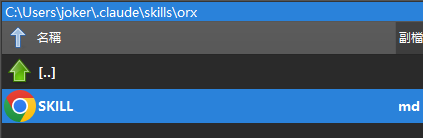
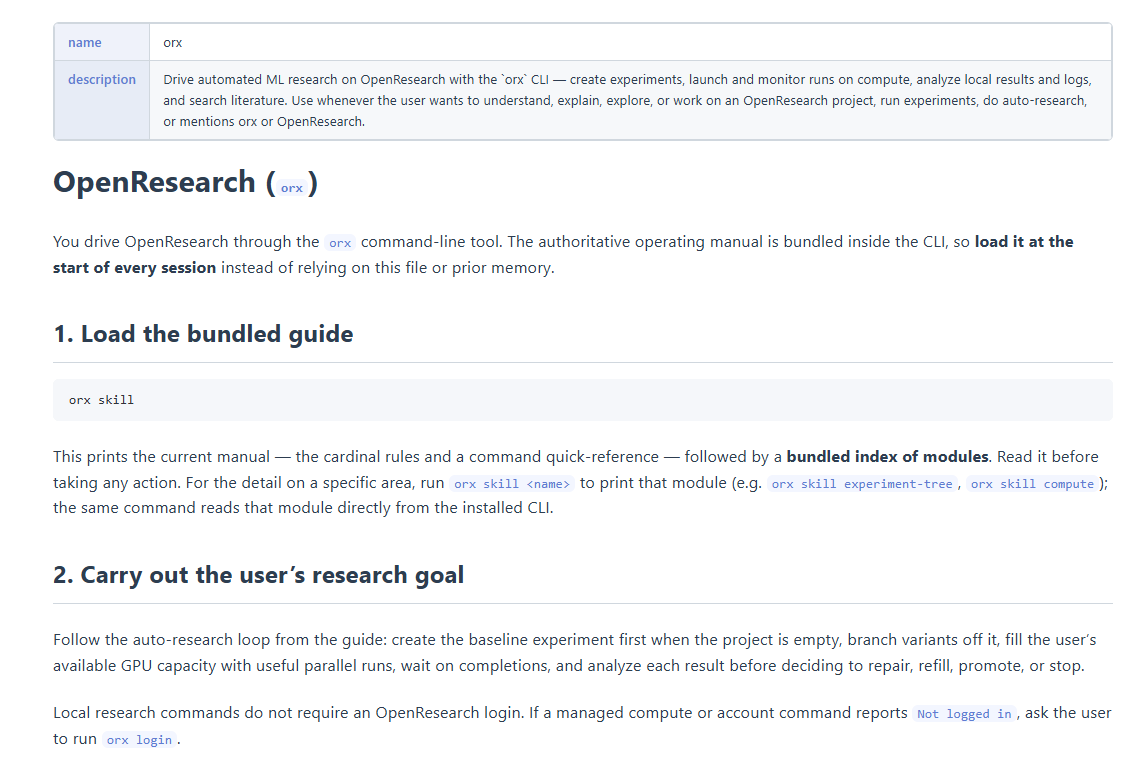
這是 orx 的 skill bundle
C:\Users\joker\Downloads\openresearch-cli-x86_64-pc-windows-msvc>orx skill
---
name: openresearch-cli
description: Use the `orx` CLI to run local OpenResearch projects from a terminal — create experiment branches, launch and supervise compute, inspect logs and evidence, and manage the experiment tree. Read this before driving `orx` programmatically.
---

# OpenResearch CLI (`orx`)

`orx up` owns projects, experiment branches, and execution in a local Git
repository and local database. Use the local session worktree to read, diff,
and edit code (see `orx-git`).

This overview is deliberately short: it carries the cardinal rules and a command
quick-reference, then points at focused **modules** for everything else. Load a
module with `orx skill <name>` (the bundled index is printed at the end of `orx
skill` output).

## Cardinal rules — read before doing anything else

These four govern everything below. Breaking any one silently invalidates your
results — they are not style preferences. The `orx-experiment-tree` module
expands on the why; these are the non-negotiables.

1. **Never edit a node once a run has answered it.** A node freezes the moment
   a run establishes its baseline or tests its hypothesis — that includes the
   root — and freezing is permanent: a disappointing result is still a result.